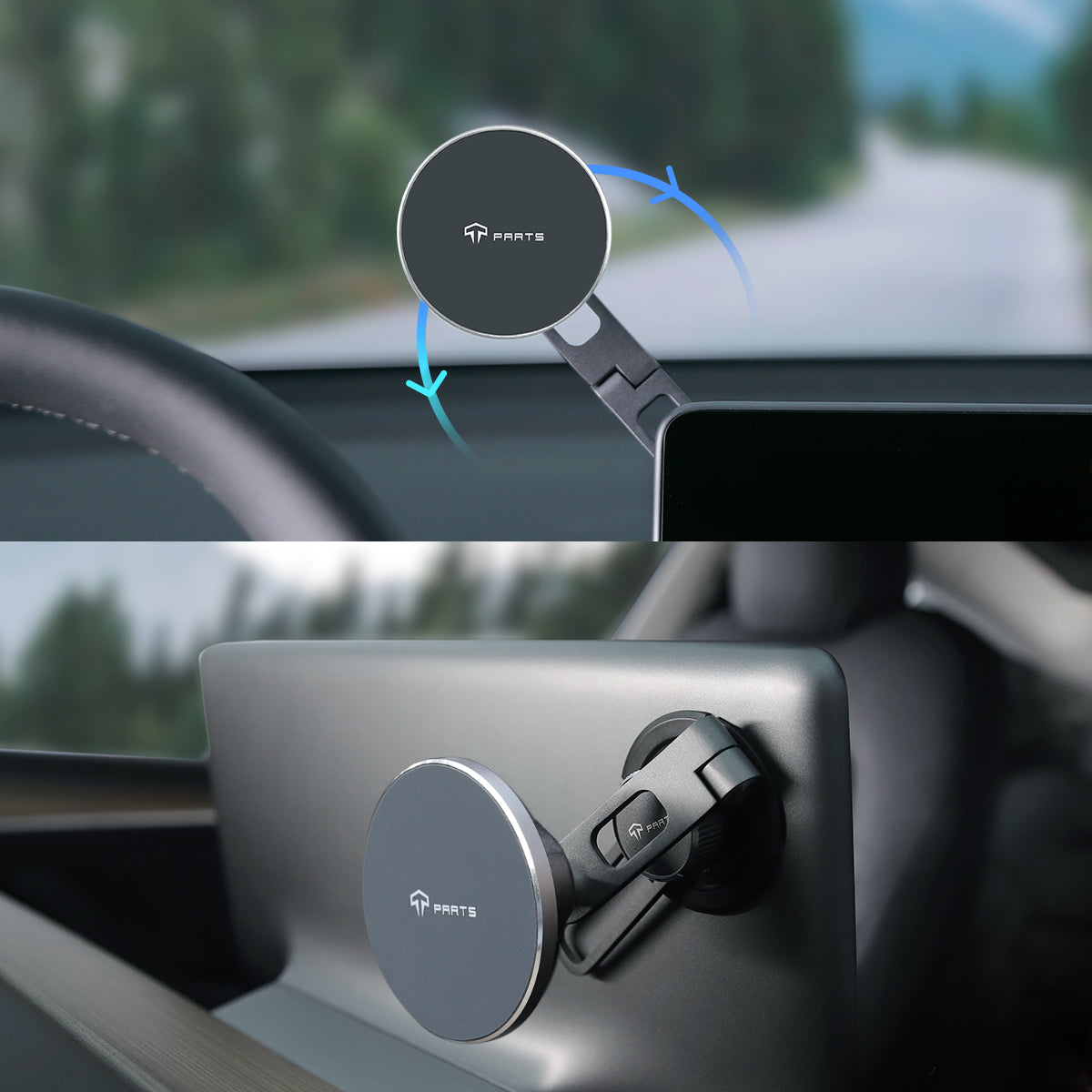
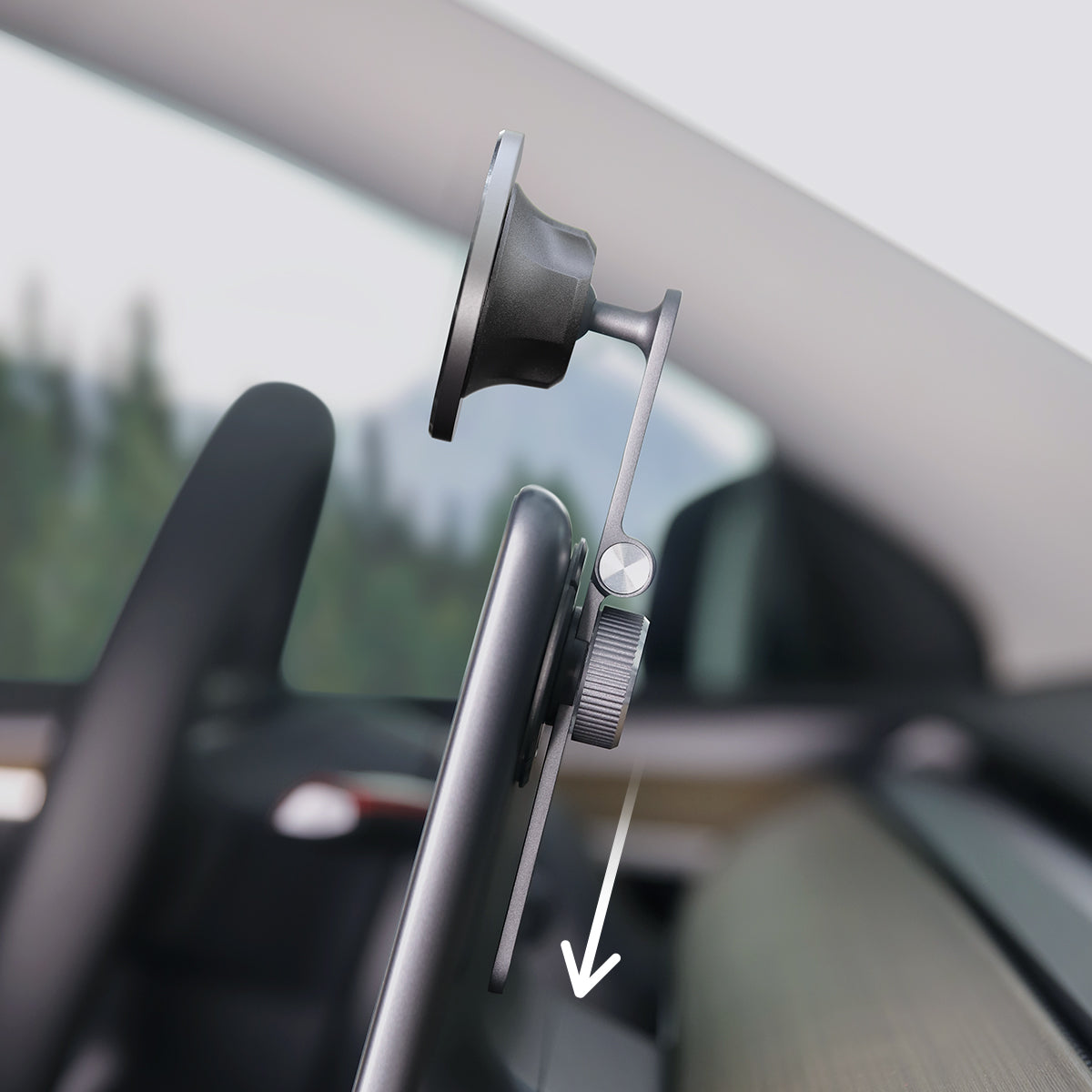
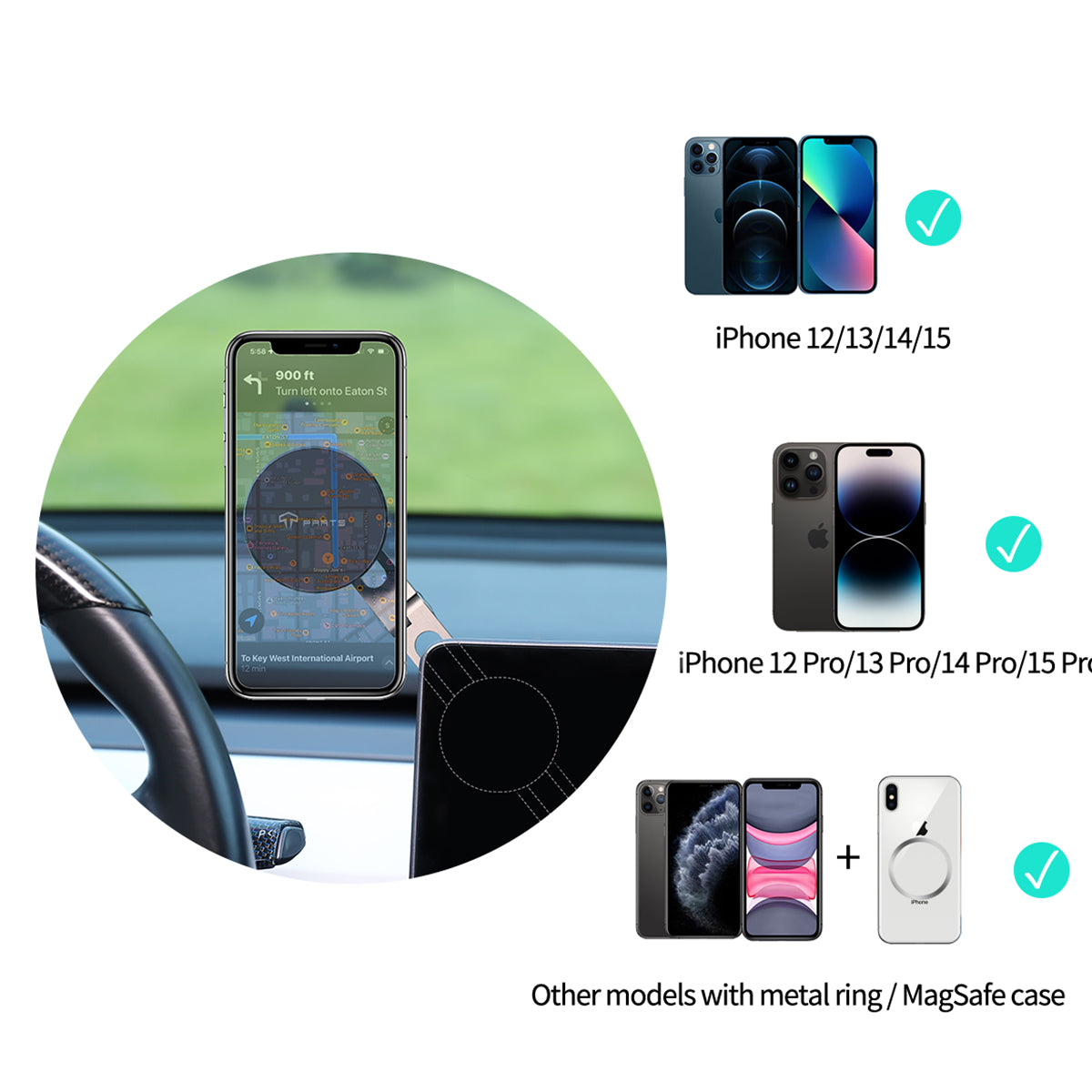
This particular magnetic iPhone holder is not a wireless charger,, though it’s labeled as such. It works as expected. I am disappointed that after ordering., two weeks later, a suction version was added, which is a much better option than the sticky pad that comes with the iteration before it. I do like there was a template to help position the holder to the back of the Tesla screen.
I am very happy and pleased with my purchase wasn’t gonna lie was skeptical at first but once I got it and installed my phone holder and the lights and badges for my car door I was extremely happy and can’t wait to order some products I will be definitely be recommending T PARTS to everyone who Owns a Tesla
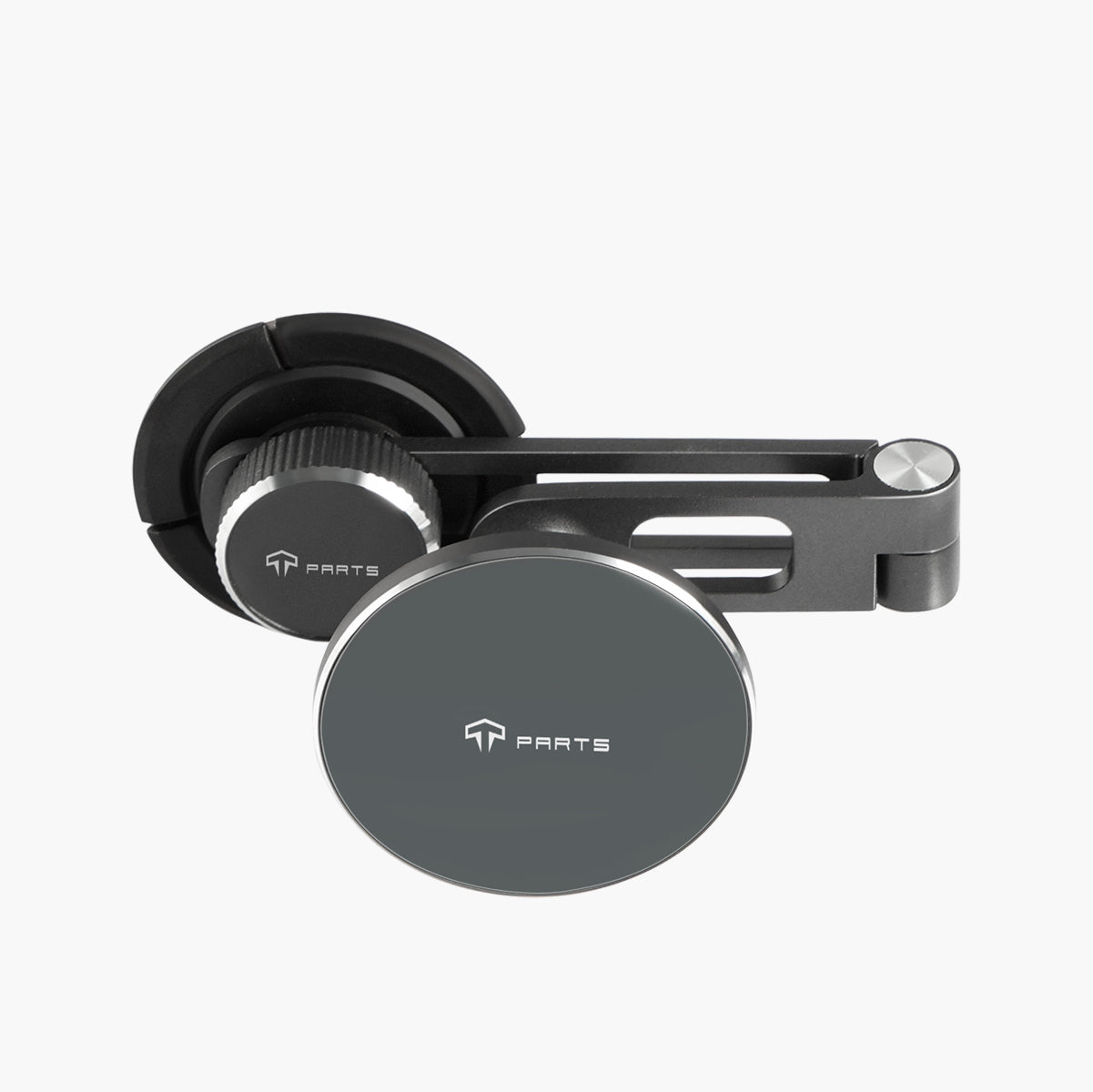
It's the only phone holder I have found that is adjustable up, to the side, forward, back, and extended where my iphone pro max can be veritcal above the display!
Took a few moments to install correctly. New Model Y has few usb outlets in front. Works well once you silver that with the multipurpose device I got from Tparts.
Anyone can sell a product. This one is built incredibly well and feels so durable. The biggest thing for me was that I had an issue with the product when it first arrived missing a part. The support team was amazing and got me a replacement right away! Solid product and excellent service!
Attached this cell phone mount to the upper left rear of display in my Model Y. It holds my 6" Cell Phone in perfect location for field of view without looking away from road. No problems and have not had any cases of phone dropping off the mount.
This is the favorite product I have purchased for my Tesla! I’m on my second T and have purchased all kinds of accessories for them. Have mine placed on top of the screen instead of the side. It’s the perfect location for me. I can put it on the car’s charge pad or run a power cord to it if I need to charge.
It's hard to find a proper phone mount in Model Y, but I believe this is the one of the fittest mount compatible with tesla. It has the same paint with the screen, foldable design and steady magnet. I didn't try much Diy position but followed the instruction, it seems perfect when you put it on the up left corner of the screen.